Sharda Photo Editor
Drag / Scroll to Zoom
Processing...
0 x 0 px
Processing...
Create perfect passport-sized photos and print layouts in minutes with our advanced studio-grade editing tools.
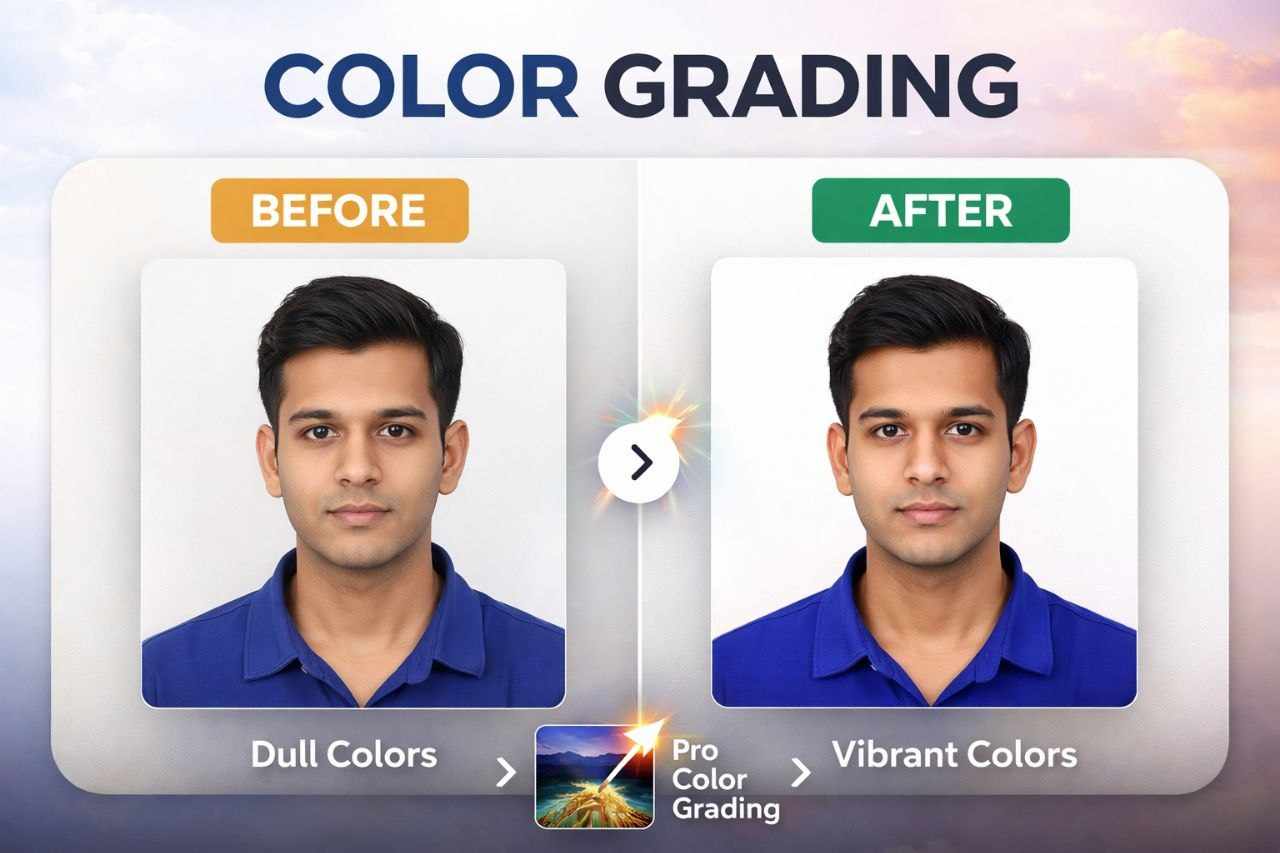
Adjust Brightness, Contrast, and Saturation instantly. Enhance dull photos and get the perfect studio lighting effect directly in your browser without any lag.
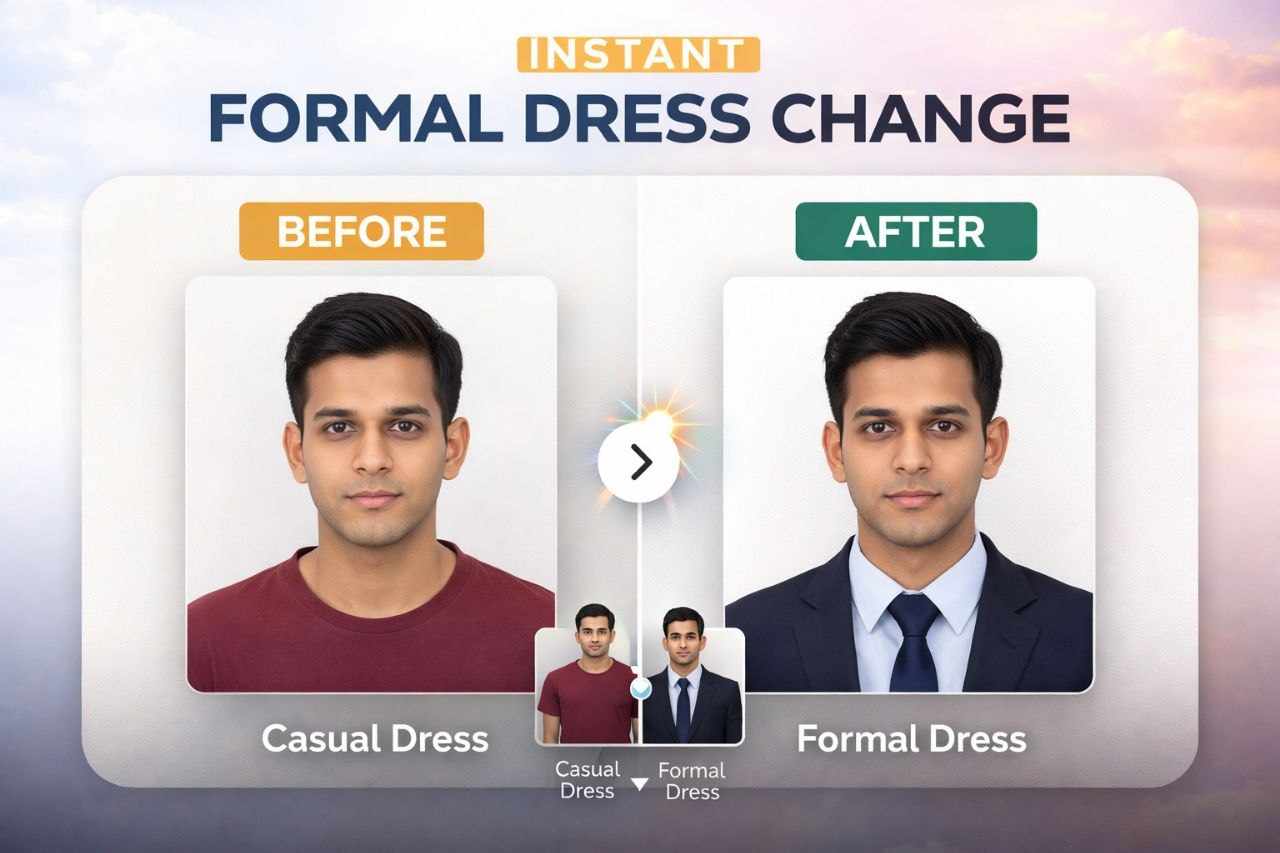
Add professional formal wear (Men, Women, Kids) to any casual photo. Use our New Scroll-to-Zoom feature to adjust width and height perfectly to your neck size, then merge it to crop!
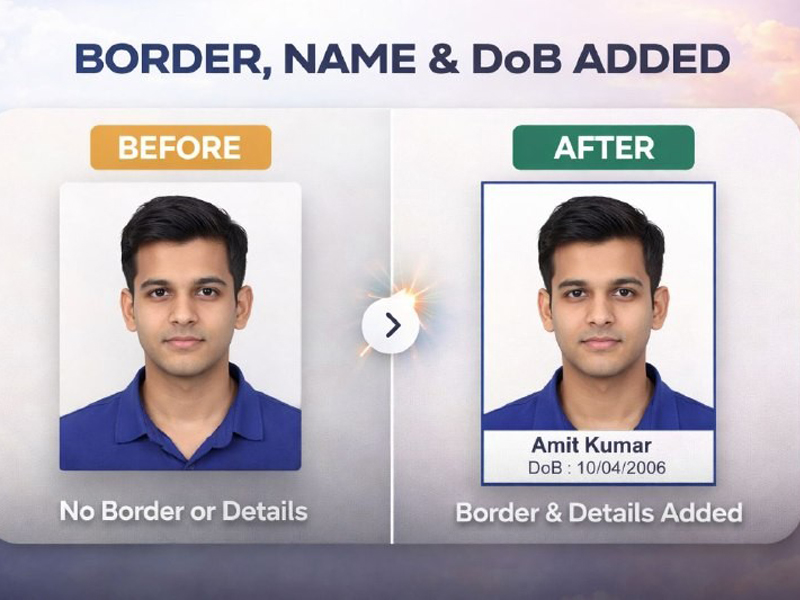
Convert a single photo into multiple passport copies instantly. Customize photo borders, margin settings, spacing, and select paper sizes like A4 or 4x6 for a perfect print-ready PDF download.
Choose to add visible, thin light gray guide lines (crop marks) between photos in your PDF print layout, making it incredibly easy to cut the photos perfectly after printing.
Yes, 100%. All processing (Cropping, Filtering, Suit placement, and PDF Generation) happens directly on your device's browser. Your photos are never uploaded to any server.
Absolutely! Just adjust the suit perfectly, then click the "Save & Merge Suit" button. The suit will become part of the photo, allowing you to seamlessly use the Crop or Eraser tools on the final result.
Click on a suit to add it to your photo. Use your mouse to drag it into position. You can now use your Mouse Scroll Wheel to Zoom In/Out easily. You can also use the Master Zoom slider, or adjust Width/Height individually for a custom stretch.