


Mastering Midjourney V6: Tips & Tricks
Learn how to formulate the perfect prompt structure to get hyper-realistic images every single time.
Read MoreYour premium library for AI generation prompts. Click on any design to reveal the prompt and export it directly to ChatGPT or Gemini.
Generating secure access...

Generating secure access...

Generating secure access...

Generating secure access...

Generating secure access...

Generating secure access...

Generating secure access...
Generating secure access...

Generating secure access...

Generating secure access...

Generating secure access...

Generating secure access...
Generating secure access...

Generating secure access...

Generating secure access...

Generating secure access...
Generating secure access...

Generating secure access...

Generating secure access...

Generating secure access...

Generating secure access...

Generating secure access...

Generating secure access...

Generating secure access...

Generating secure access...

Generating secure access...
Generating secure access...

Generating secure access...

Generating secure access...
Generating secure access...

Generating secure access...

Generating secure access...

Generating secure access...

Generating secure access...

Generating secure access...

Generating secure access...

Generating secure access...

Generating secure access...

Generating secure access...

Generating secure access...

Generating secure access...

Generating secure access...

Generating secure access...
Generating secure access...

Generating secure access...
Generating secure access...
Generating secure access...

Generating secure access...

Generating secure access...

Generating secure access...

Generating secure access...

Generating secure access...

Generating secure access...

Generating secure access...

Generating secure access...

Generating secure access...

Generating secure access...

Generating secure access...

Generating secure access...

Generating secure access...
Empowering the digital generation with top-tier creative assets.
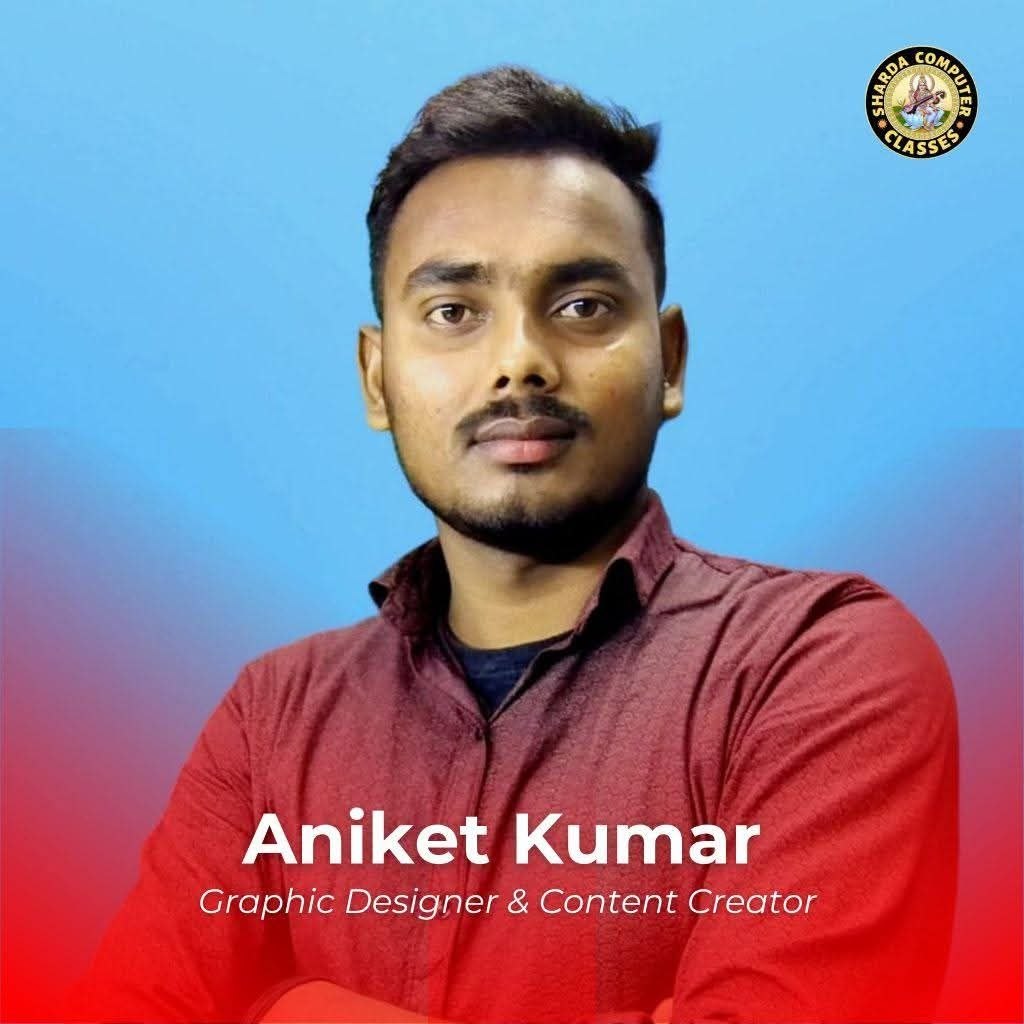
Welcome to Sharda AI Prompts! As the director of Sharda Computer Classes, I recognized the need for a central hub where designers, developers, and students could access high-converting, professional AI prompts without hidden fees. Our goal is to streamline your workflow and spark your imagination. Enjoy the open-source library!
Explore our complete ecosystem of digital platforms designed for creators and learners.
Latest news, tutorials, and insights from the AI and design world.

Learn how to formulate the perfect prompt structure to get hyper-realistic images every single time.
Read More
Which AI model understands complex graphic design instructions better? We tested both to find out.
Read More
A complete beginner's guide on how to utilize AI generated graphics for freelancing and print-on-demand.
Read More
A complete beginner's guide on how to 3D Flashlight Live Wallpaper on Your Phone.
Read More
A complete beginner's guide on how to 3D Flashlight Live Wallpaper on Your Phone..
Read MoreWatch this quick video to learn how to copy prompts and use them effectively.
Join thousands of creators who are elevating their designs with our prompts.
"The Midjourney prompts here are insane! I used one for my client's website banner and they loved it. Saving so much time now!"

Graphic Designer
"I love how easy it is to copy and directly send to ChatGPT. The wedding invitation prompts are top-notch and highly professional."

Content Creator
"As a student at Sharda Computer Classes, this tool has helped me understand how AI generation works. Highly recommended!"

Web Developer
"The Midjourney prompts here are insane! I used one for my client's website banner and they loved it. Saving so much time now!"
Graphic Designer
"I love how easy it is to copy and directly send to ChatGPT. The wedding invitation prompts are top-notch and highly professional."
Content Creator
Everything you need to know about Sharda AI Prompts.
Yes, all prompts on this platform are completely free and open-source. You can use them for both personal and commercial digital projects without any restrictions.
Clicking the Gemini button automatically copies the exact prompt to your clipboard and redirects you to the Google Gemini interface. Simply press [Ctrl + V] or long-press and paste it into the chatbox.
Get 10,000+ AI Prompts instantly on your mobile device. Fast, smooth, and ad-free experience!
Install App